In progress
Rings
Go back to how your system was before an update, straight from the start-up menu. Your own files are never touched.
Canopy Beta 1 arrives in the second half of December.
Get your chance to test a nightly build by joining the testing program in the Discord server!
SelvaraOS is a Debian desktop with its own shell. It runs well on new computers and on the old one in the drawer, and it sends nothing about you anywhere.
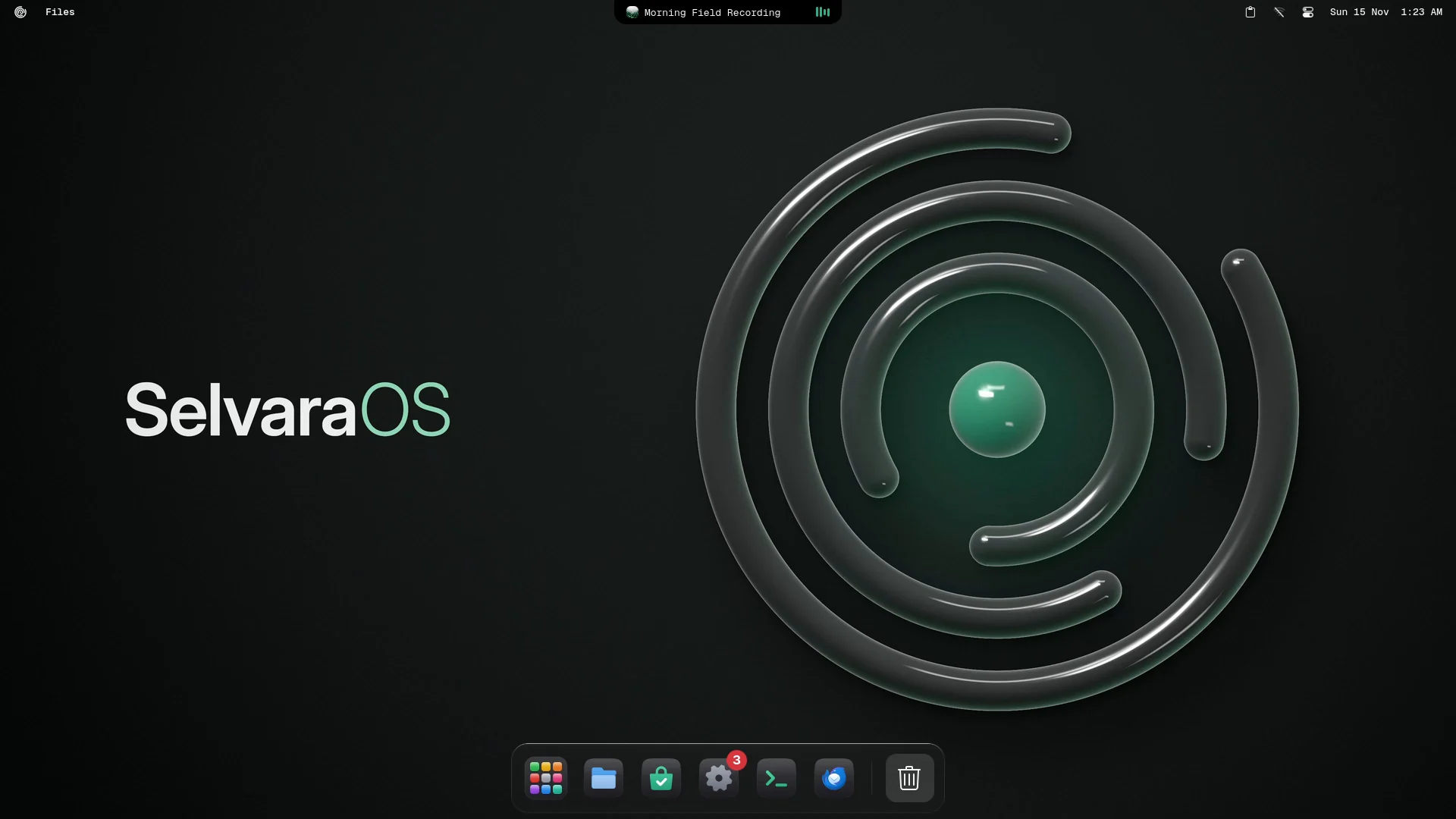
Real screenshots on real hardware Nothing on this site is simulated
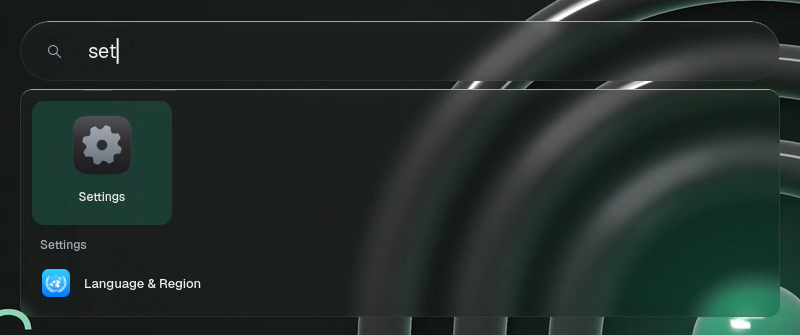
Like spotlight : find Apps, files, settings pages and quick sums in one field. Type three letters and Settings is already there.
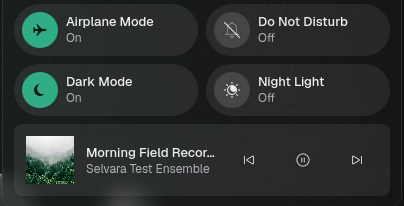
The Island at the top shows what is playing and lights up when the camera or microphone is on. The Control Center keeps the switches you use every day.

Badges for what is waiting, live window previews, and a volume for every app right from its icon.

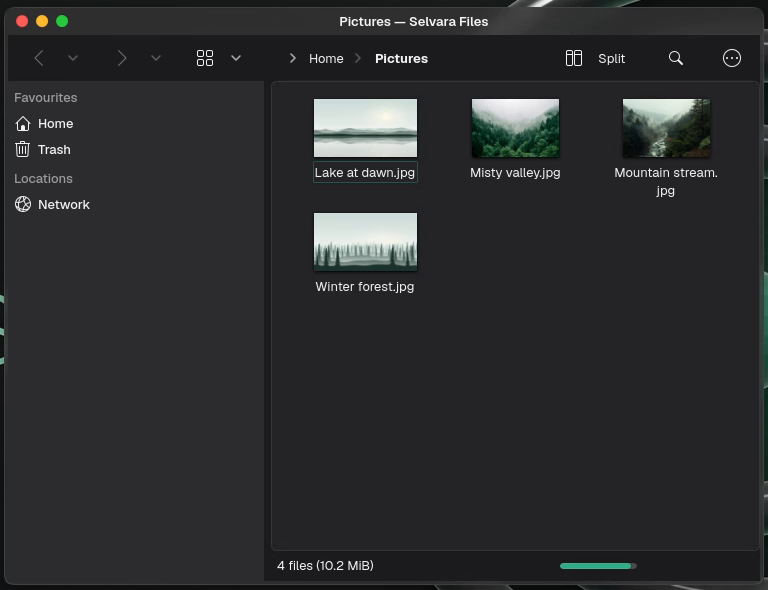
A clean sidebar, real thumbnails and a split view when you need two folders at once.
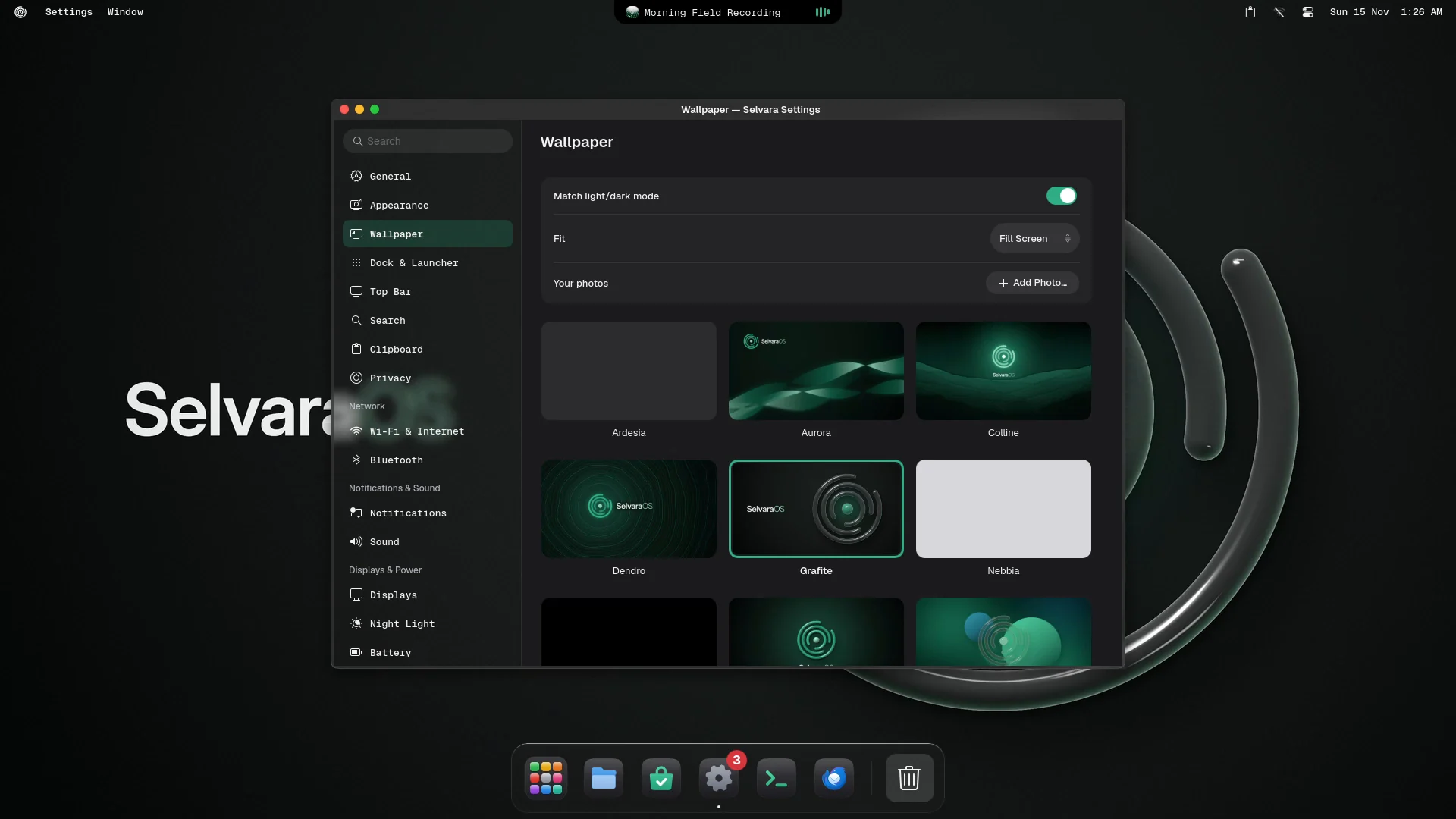
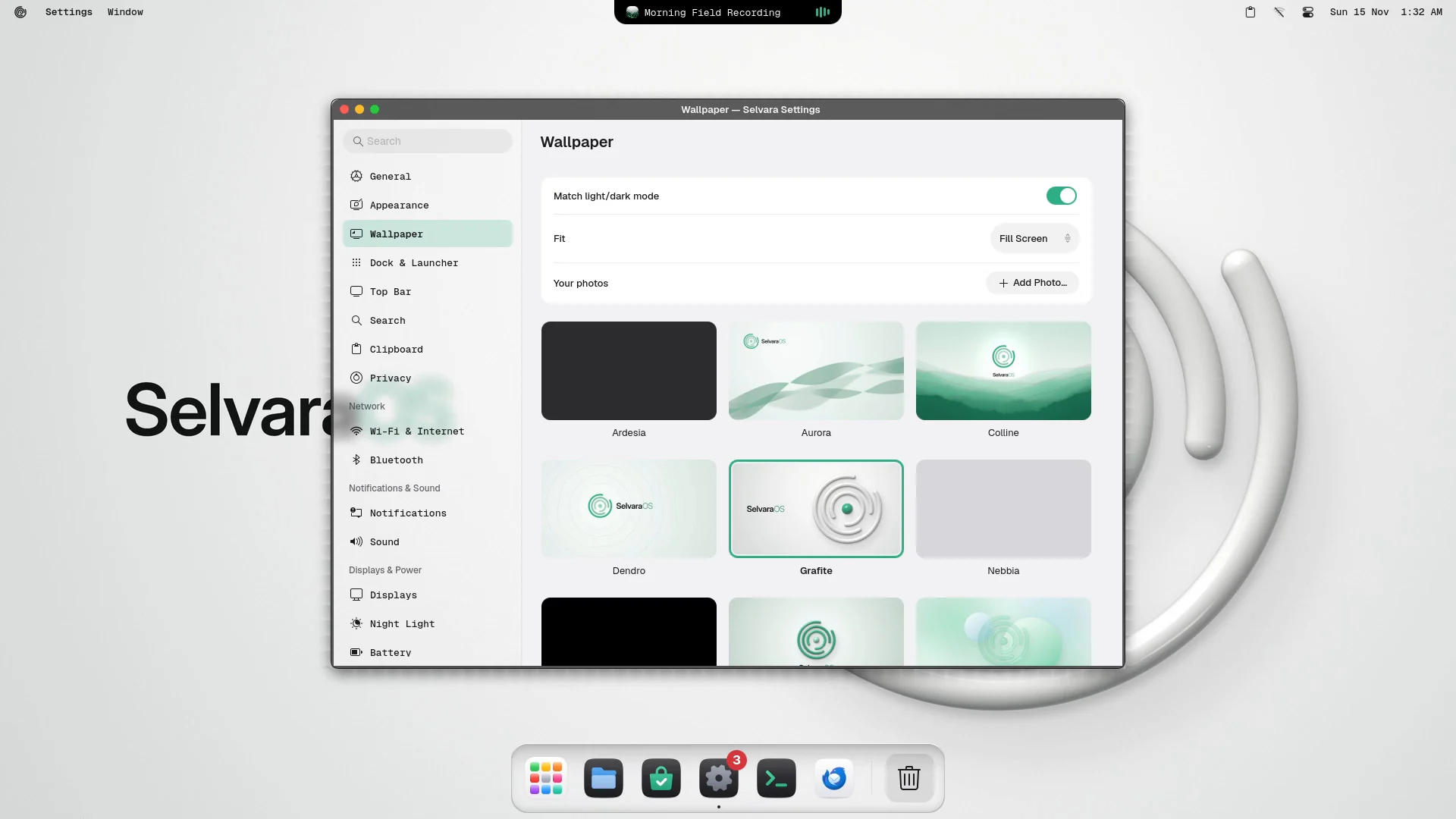
Wallpapers come in light and dark pairs and switch with the theme. Windows that are already open follow along.
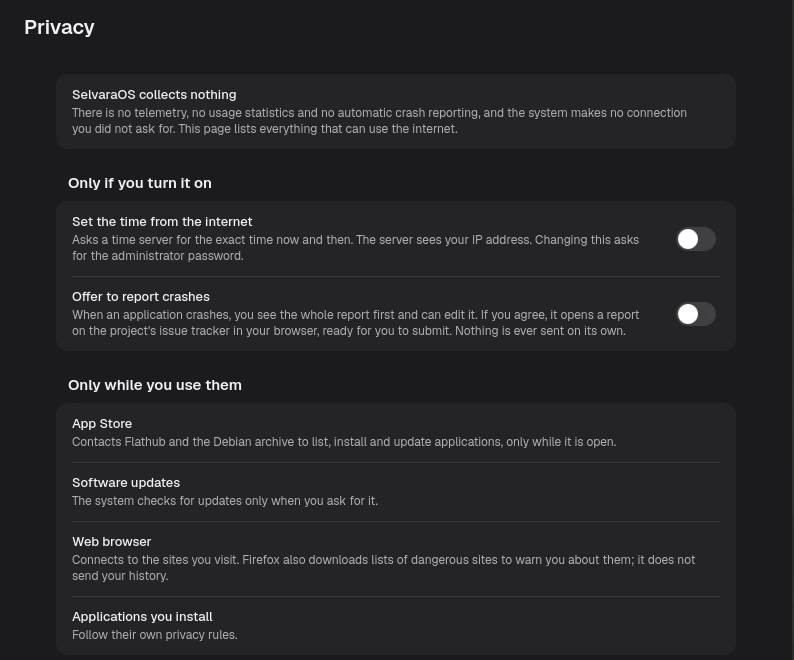
Every build boots in a test machine that records its network traffic while it sits idle. The number of outgoing connections we expect is zero, and the build fails if it isn't.
No telemetry anywhereNo usage statistics, no crash uploads, no feedback prompts that phone home.
Nothing listeningNo service is open to the network. A firewall for incoming connections can be turned on in Settings.
AI only if you ask for itAnswers in Search are off by default, work only with your own key, and always say who receives your question.
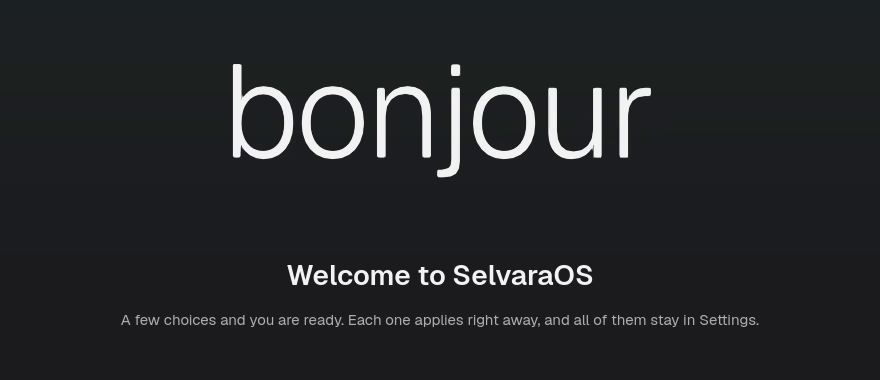
The first time you log in, Welcome asks how you like to work. Every answer applies at once and stays in Settings.
Each one is marked honestly: working in development builds, or still being built.
In progress
Go back to how your system was before an update, straight from the start-up menu. Your own files are never touched.
In progress
Put a group of apps to sleep and wake it in a moment. Sleeping apps use no processor time at all.
Working
Open a Windows installer and SelvaraOS suggests the version made for Linux, if there is one.
Working
A volume for every app, right from its icon in the dock. Scroll on it to make it quieter.
Working
Battery health in plain words, energy use per app, and a charge limit that keeps the battery young.
Working
Start Windows next time, just once, without touching any boot settings. On computers that start with UEFI.
See where an app comes from and what it can access before you install it.
Second half of December
For computers with 4 GB of memory or more. Nightly builds go to testers first. Join the Discord to follow along or to apply.